Delivering accessible family services with AI
Rebuilding Nia, an AI chatbot for BCP Council, to improve access to family services through clear UX, accessibility, and scalable design.
Overview
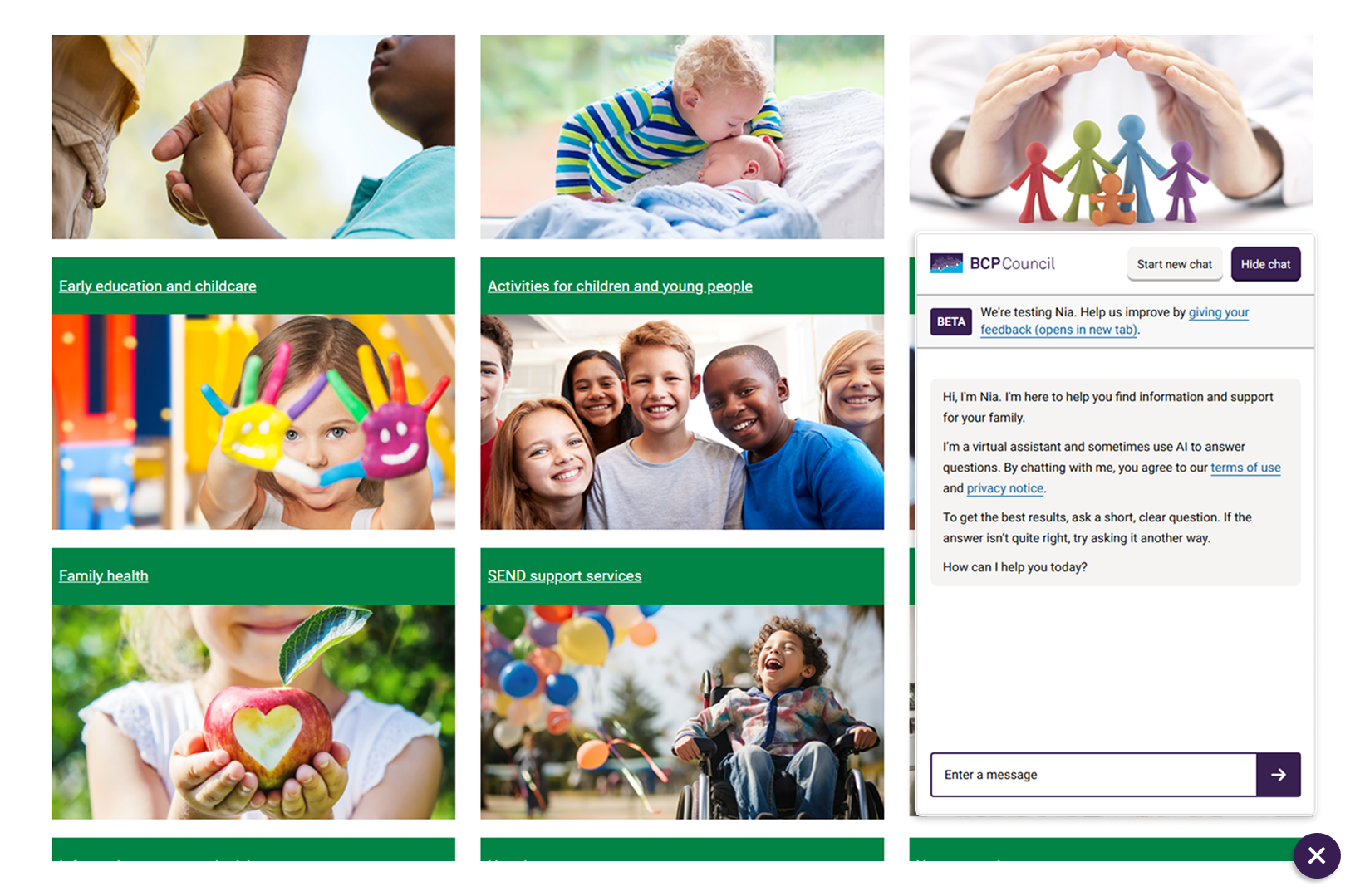
Nia is an AI chatbot developed for BCP Council's Online Family Hub, designed to support residents across Bournemouth, Christchurch and Poole.
It provides quick, conversational access to information already available on the website, helping users find answers without navigating multiple pages.
Key purpose
- Reduce friction in accessing council services and information
- Support users who prefer direct, immediate responses
- Complement existing website content
Core focus
- Retrieving relevant content from the Family Hub
- Presenting it in a clear, user-friendly format
- Guiding users to the right service or next step

The problem
The Family Information Directory (FID) contains a large volume of content across many pages and services.
While comprehensive, users often struggled to find the right information quickly.
User challenges
- Faced an overwhelming number of pages
- Struggled to identify relevant services
- Needed multiple clicks to reach a complete answer
Barriers to access
- Uncertainty around terminology
- Unfamiliar service structures
- Preference for direct answers over browsing
Service impact
- Underutilisation of available content
- High reliance on search and navigation
- Inconsistent user journeys
The issue was not content availability, but the effort required to access it.
Initial delivery
Nia was initially developed with a third-party consultancy using an existing chatbot framework.
This delivered a working proof of concept and validated the use of conversational access to the Family Hub.
What was delivered
- An embedded chatbot within the website
- Retrieval of Family Information Directory content
- A basic conversational interface for users
Key constraints
- Limited control over UI and interaction design
- Restricted ability to customise behaviour and flows
- Dependency on external framework updates
- Difficult to extend or reuse for other use cases
The solution demonstrated value but was not suitable for long-term flexibility or reuse.
Identifying the gaps
User experience
- Rigid interaction patterns
- Inconsistent response structure
- Limited control over presentation
Accessibility
- Inconsistent keyboard navigation
- Unclear assistive technology behaviour
- Limited control over contrast and focus states
Design
- Framework-constrained UI
- Inconsistent alignment with Family Hub
- Limited iteration capability
Technical
- Tight coupling to third-party system
- Limited extensibility
- Poor reusability
Strategic decision: rebuild vs iterate
The focus shifted from incremental improvement to long-term viability.
Iterating within the existing framework would have meant working around constraints rather than resolving them.
Iterate on existing solution
- Faster in the short term
- Lower immediate effort
- Continued dependency on framework
- Key functionality locked behind libraries
- Required learning an unfamiliar codebase
Rebuild internally
- Higher long-term return on investment
- Full control over UX and accessibility
- End-to-end system understanding
- Removal of framework dependency
- Foundation for reuse across services
The decision was to rebuild.
Drivers
- Control over user experience
- Flexibility for future development
- System transparency and maintainability
Design principles
Research included public sector chat approaches such as GOV.UK patterns and other local authority implementations.
The GOV.UK Design System was used as a foundation, adapted for an embedded conversational interface.

Principles
Simplicity over complexity
- Focus on clear interactions
- Reduce visual noise
- Prioritise clarity
Accessibility by design
- Built in from the start
- Not treated as retrofitting
- Broad usability considerations
Familiarity and consistency
- Aligned to public sector patterns
- Reduced learning effort
- Consistency with Family Hub
Reusability
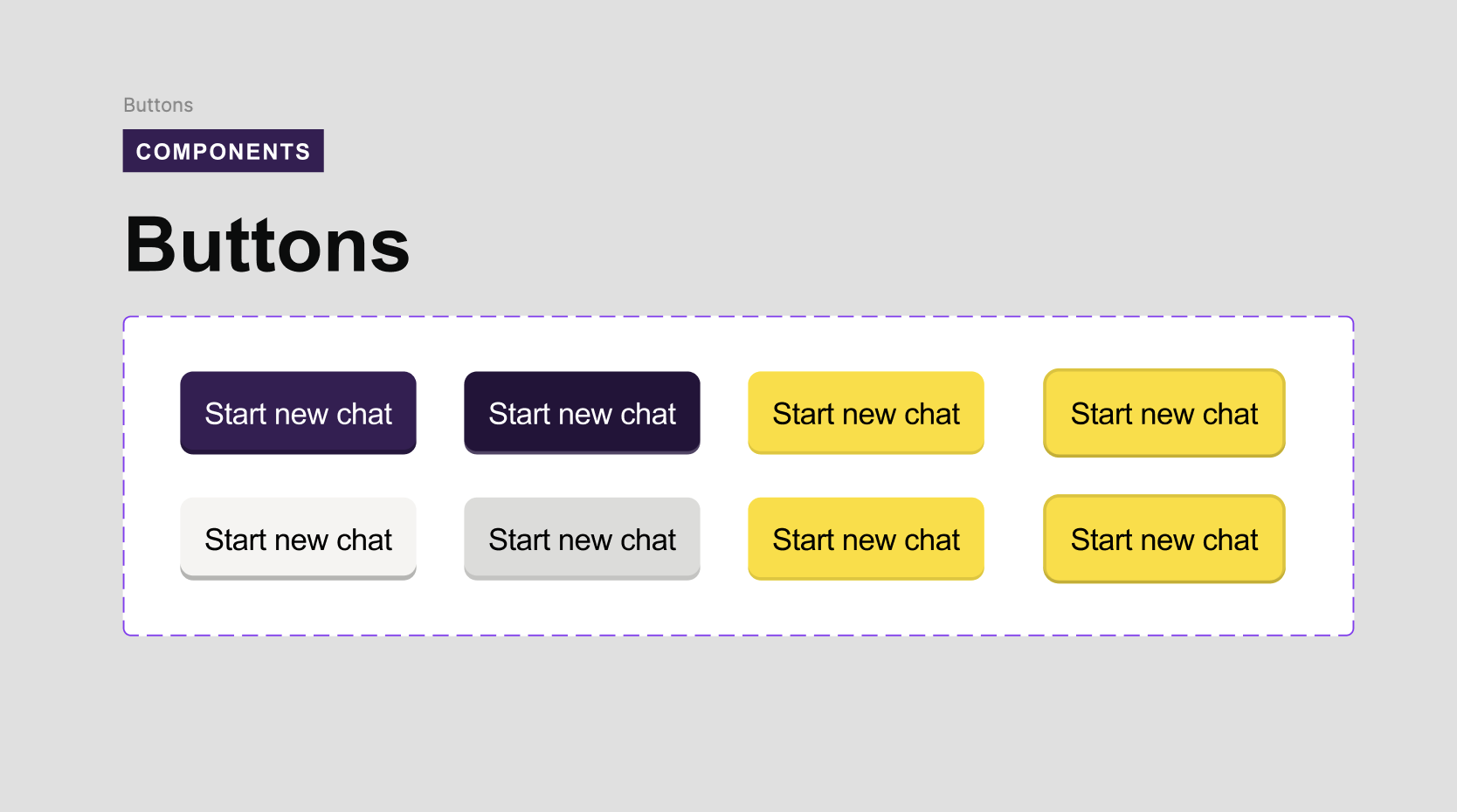
- Shared components across chatbots
- Avoid one-off implementations
- Support scalable delivery
User experience (UX)
The rebuild addressed core usability issues in the original system.
Key issues
- Inconsistent colour contrast
- Variable message structure
- Limited interactivity clarity
- Poor mobile consistency
- Unclear keyboard focus states
- Inconsistent response formatting
Improvements
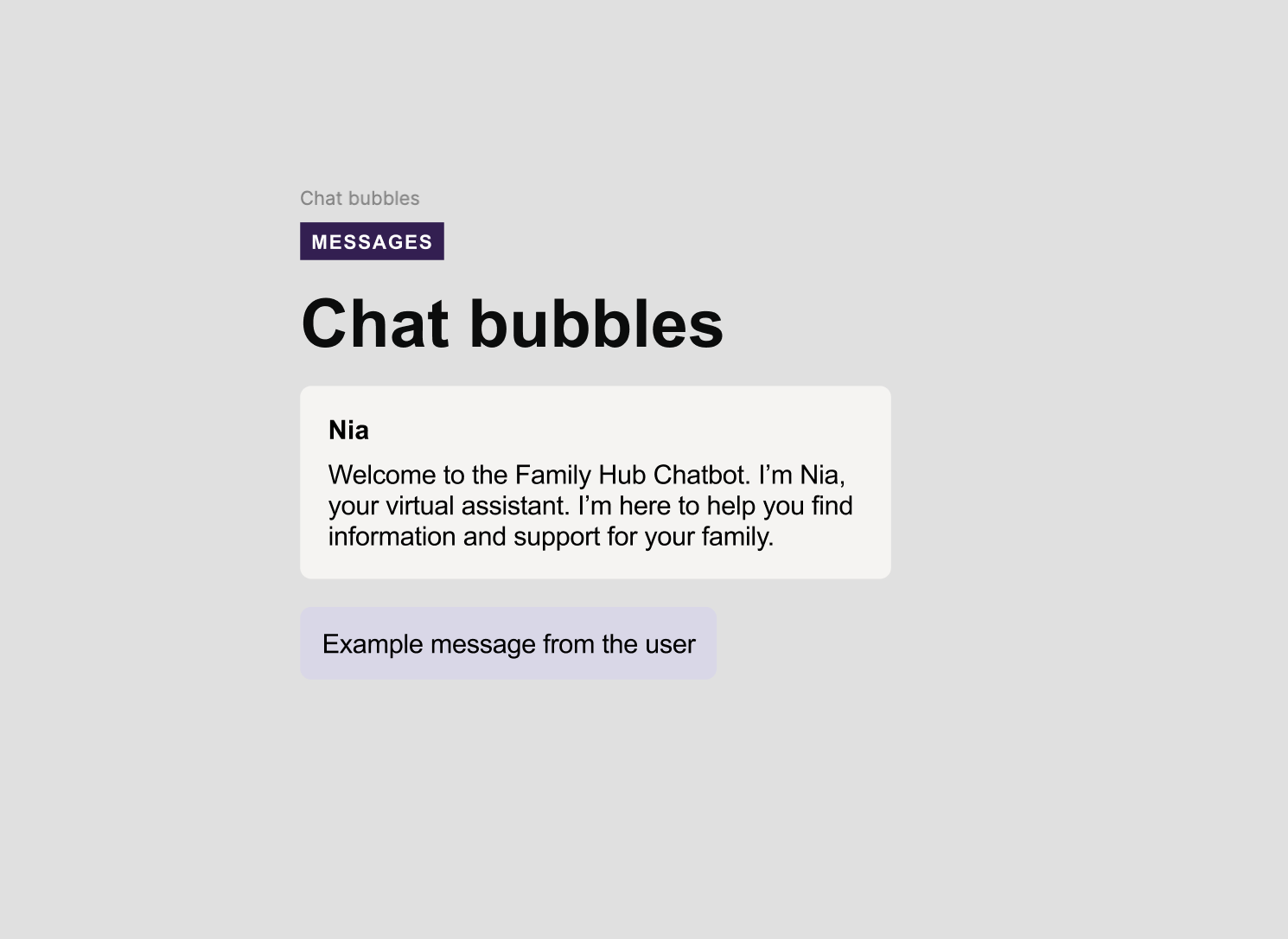
- Standardised message structure
- Consistent interaction patterns
- Mobile-first design approach
- Refined system prompt behaviour
Accessibility considerations
- Consistent colour contrast
- Keyboard navigation support
- Clear focus states
- Screen reader compatibility improvements
- Reduced cognitive load
The result is a predictable and accessible experience across devices.
Interface and visual design
The interface was redesigned using GOV.UK Design System principles adapted for chat-based interaction.

Design approach
- Translate design system into conversational UI
- Prioritise readability and hierarchy
- Minimise visual complexity
Key decisions
Message layout
- Clear separation of speakers
- Consistent structure

Typography and spacing
- Optimised for readability
- Reduced cognitive load
Colour and contrast
- Accessibility aligned
- Functional use of colour only
Interaction states
- Loading and response states defined
- Clear system feedback
Mobile responsiveness
- Mobile-first design
- Consistent cross-device behaviour
The interface supports conversation rather than competing with it.
Architecture and development
The rebuild focused on a lightweight and maintainable architecture.
The chatbot was built using Next.js with the Vercel AI SDK and Azure services for search integration.
Stack
- Next.js for frontend and API routes
- Vercel AI SDK for chat handling and streaming
- Azure AI Search for retrieval
Architecture decisions
Component-based structure
- Reusable UI components
- Separation of layout and logic
Embed-first approach
- Single embed script for deployment
- No dependency on web team changes
- Simplified rollout process
Prompt control
- Standardised system prompts
- Consistent output behaviour
The result is a simple, maintainable system with low deployment overhead.
Azure integration
The system uses Azure services for search and hosting.
Components
- Azure App Service hosting
- Azure AI Search index
Flow
- User submits query
- Query sent to search index
- Relevant results returned
- Response generated conversationally
Rationale
- Uses existing structured content
- Avoids duplication
- Maintains trusted data source
- Scales without complexity
Building for the future
The rebuild shifted the system from a single chatbot to a reusable capability.
Approach
- Reusable component library
- Embed-based deployment model
- Config-driven behaviour
- Separation of content and UI
Outcomes
- Faster rollout of new chatbots
- Consistent user experience
- Reduced development overhead